Stop Scrolling Past Life Stories to Find a Recipe
RecipeDrop strips away the ads, pop-ups, and 2,000-word preambles from recipe websites. Save recipes from 611+ sites. Plan meals. Cook step by step. No ads, ever.


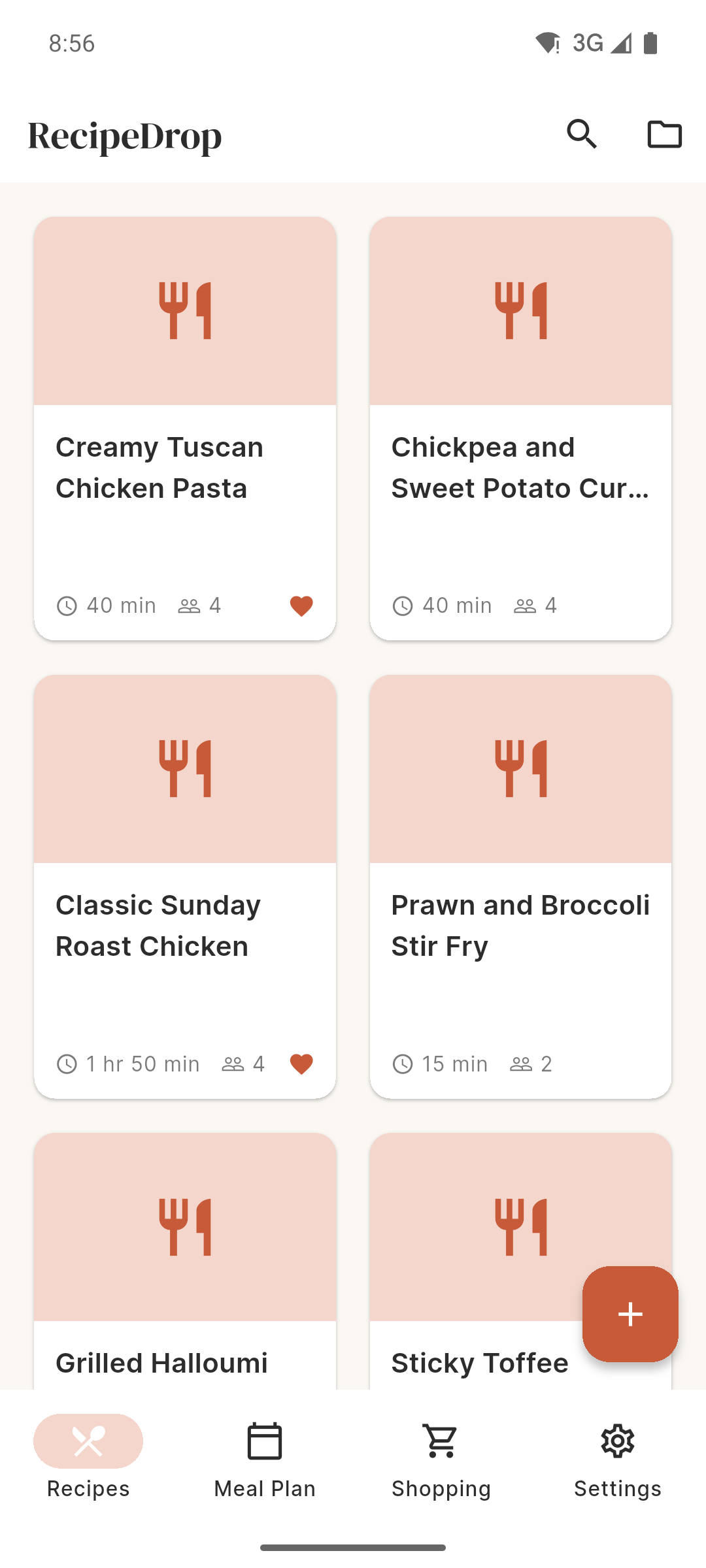
RecipeDrop strips away the ads, pop-ups, and 2,000-word preambles from recipe websites. Save recipes from 611+ sites. Plan meals. Cook step by step. No ads, ever.
You just want to make dinner. Instead, you get this:
You came for a pasta recipe. Instead you are reading about someone's transformative trip to Tuscany in 2014 and how this dish reminds them of their grandmother's kitchen. Scroll, scroll, scroll.
Adverts between every paragraph. Autoplay videos that follow you down the page. Pop-ups asking if you want to subscribe. All while you are trying to read with flour on your hands.
You bookmarked a recipe last month. Now the page has been redesigned, the URL has changed, or the whole site is behind a paywall. Your saved recipes should not disappear.
Paste any recipe URL. RecipeDrop extracts just the ingredients and method — nothing else. Save it to your personal vault. It is yours forever, even offline.
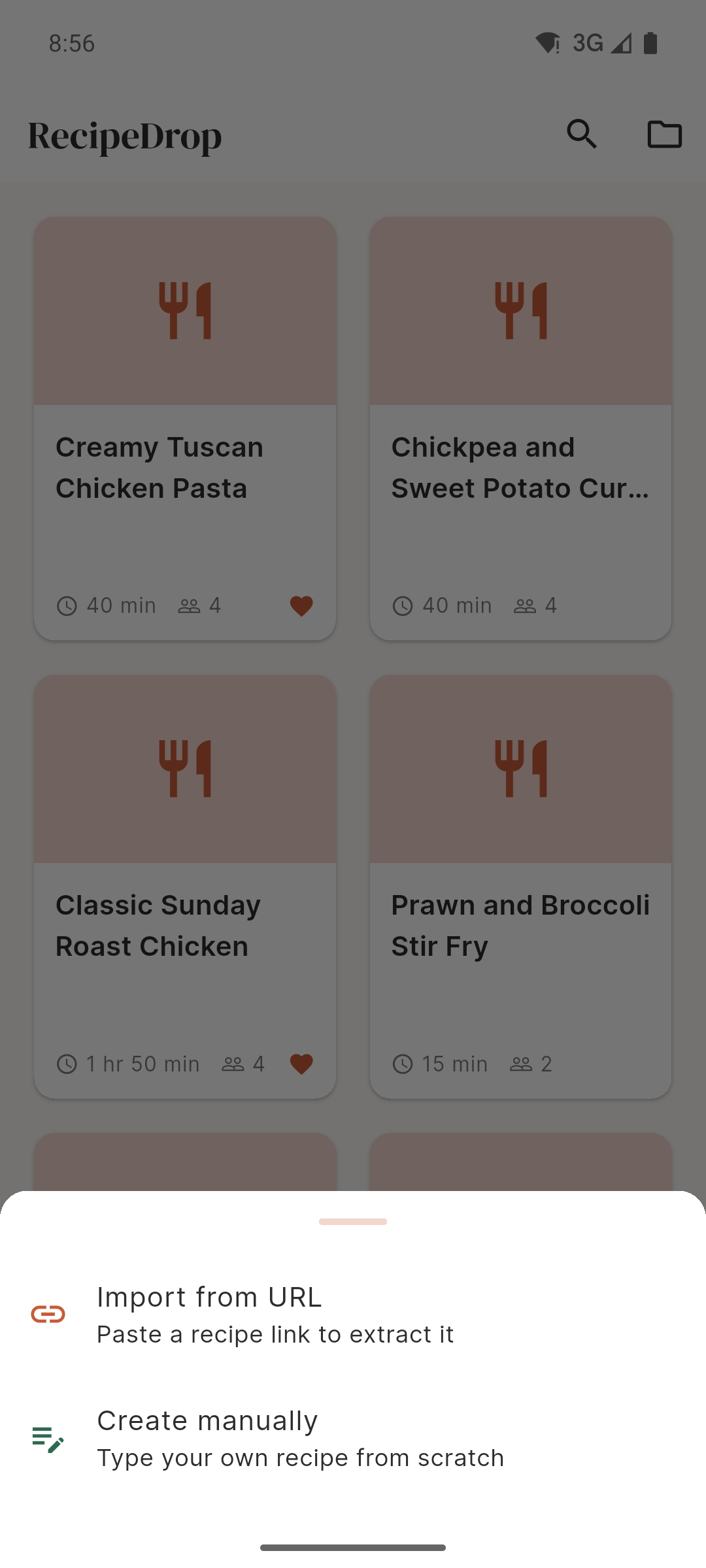
BBC Good Food, Allrecipes, Jamie Oliver, NYT Cooking, and hundreds more. Plus TikTok, Instagram Reels, and YouTube Shorts. Paste the URL and go.
Every recipe you save goes into a searchable collection on your phone. Organise into folders, find anything instantly. No account needed.
Full-screen, step-by-step instructions with large text. Built-in timers with audio alerts. Your screen stays on so you never have to unlock with messy hands.
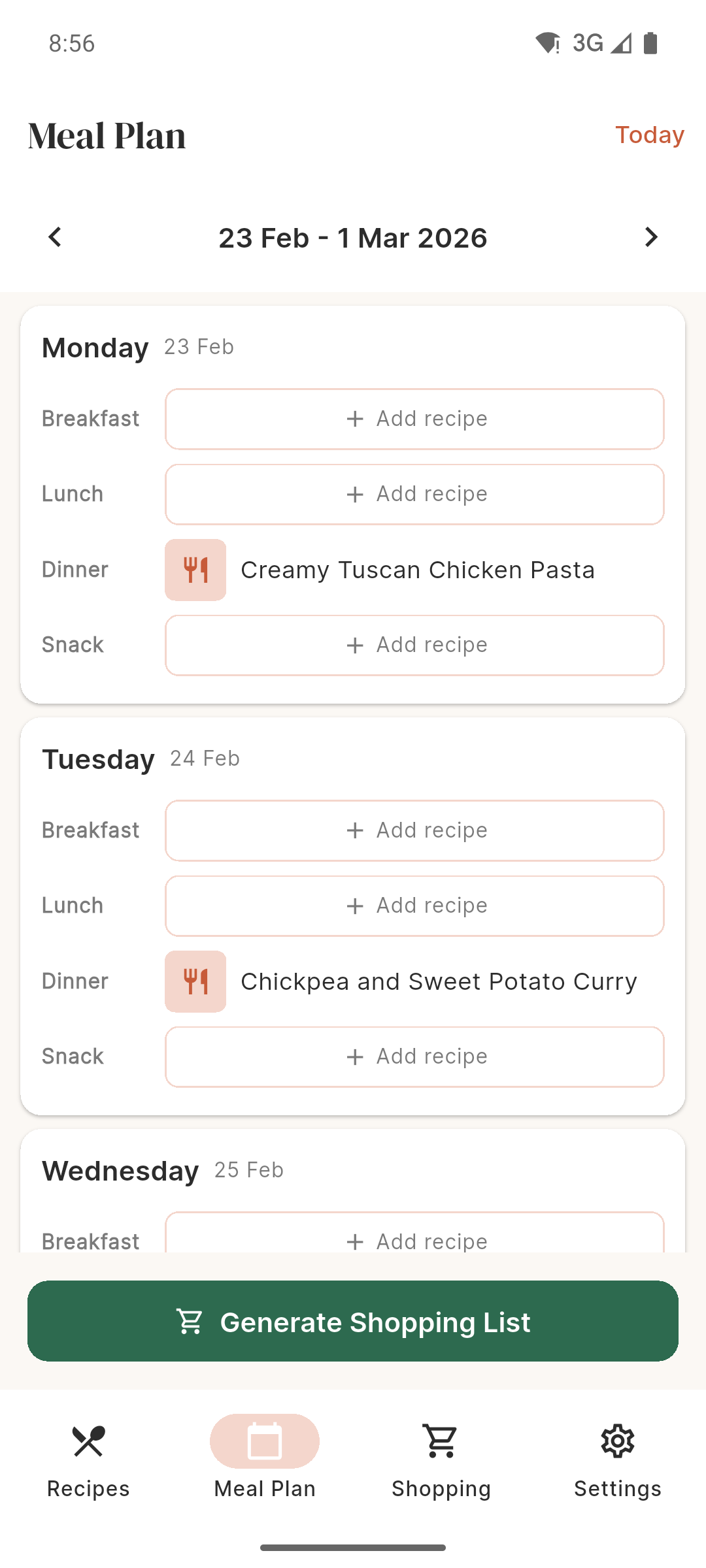
Drag recipes into breakfast, lunch, dinner, and snack slots for every day of the week. Navigate between weeks. No more 6pm fridge staring.
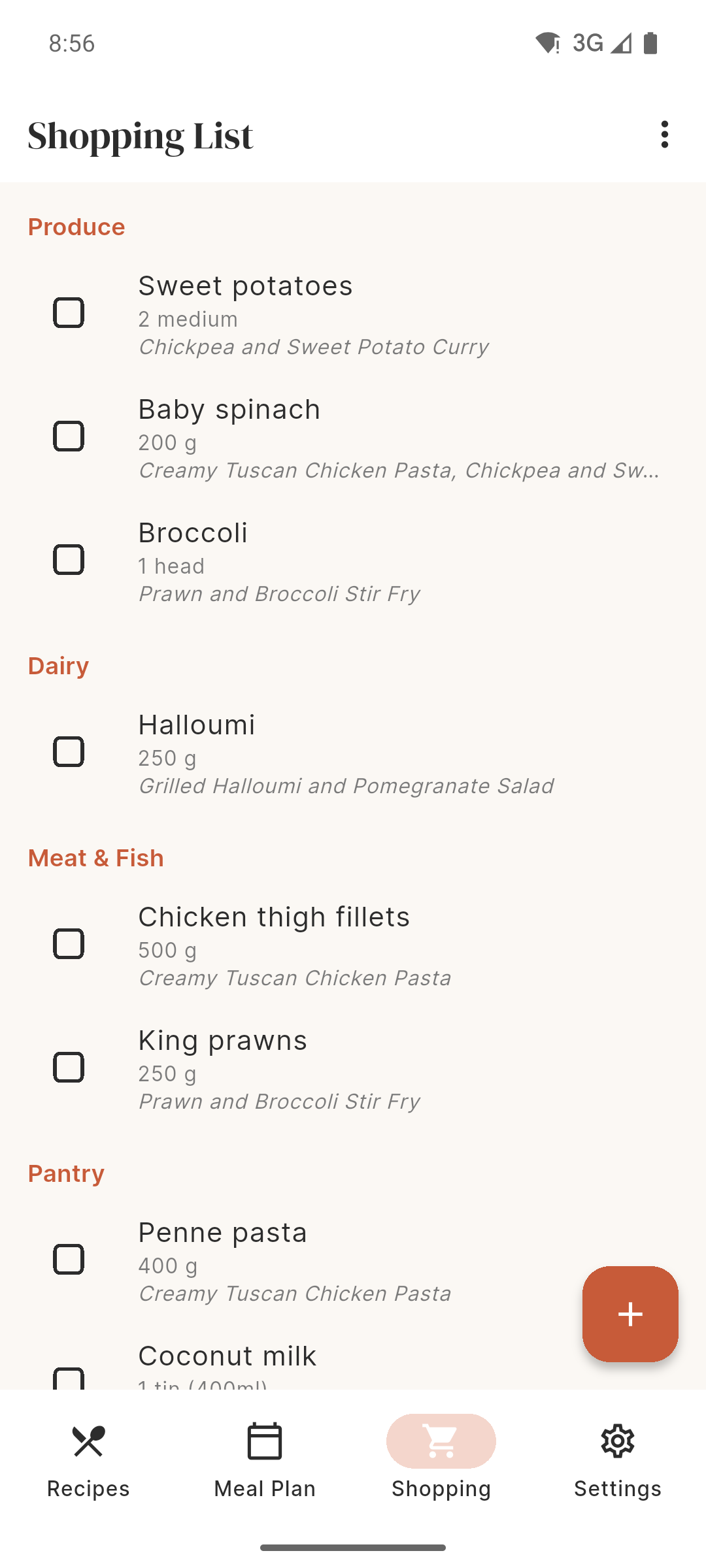
Auto-generated from your meal plan. Duplicates are merged, units are converted, and items are grouped by supermarket aisle. Tick off as you shop.
Cooking for two instead of four? Hosting a dinner party for eight? Adjust the servings and all ingredient quantities update automatically.
Copy any recipe URL from your browser. Paste it into RecipeDrop. Or share directly from Safari with one tap.
RecipeDrop extracts just the ingredients and method. No ads, no pop-ups, no life stories. Saved on your phone, available offline.
Open Kitchen Mode for full-screen, step-by-step cooking. Set timers. Your screen stays on. Just cook.
If we charged for each feature separately, here is what it would look like:
Total perceived value
$92/year
Free
No ads. No account. No catch. Just download and use it.
There is no catch. RecipeDrop is completely free, has no ads, and does not sell your data. It is built by Overpass Apps, a small UK development company. We may add optional premium features in the future, but the core app will always be free.
No. RecipeDrop works entirely on your device with no account, no login, and no sign-up. Your recipes are stored locally on your phone.
Your recipes, meal plans, and shopping lists stay on your device. The only time data leaves your phone is when you import a recipe — RecipeDrop sends the URL (not your data) to a server to fetch the recipe content. No analytics, no tracking, no data selling.
Yes. Once a recipe is saved, you can access it completely offline. You only need an internet connection to import new recipes.
RecipeDrop supports 611+ sites natively. For unsupported sites, it tries to extract recipe data from the page structure. If that fails, an AI assistant analyses the content as a final fallback. Between these three methods, most recipes on the internet are covered.
Yes. Paste the video URL and RecipeDrop's AI assistant will extract the recipe for you. It works with TikTok, Instagram Reels, and YouTube Shorts.
Use the Manual Entry feature. Type in the recipe name, ingredients, and method steps. It takes a couple of minutes and your recipe joins the vault alongside your imported ones.
If your device is backed up to iCloud (iOS) or Google (Android), your data should be restored when you reinstall. We are working on cloud sync for a future version to make this even more reliable.
Download RecipeDrop and start cooking without the clutter. Free on iOS and Android.